

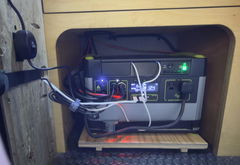
XTAR-Link EL6 V3 12V DC Power Supply for Starlink V5

🚚 Ships within 1-2 business days.

$179.90 USD $119.90 USD
Description

XTAR-LINK POWER SOLUTIONS

Power Starlink V5 Directly from DC

Keep your Starlink V5 and original Router Mini running from a 12V or 24V DC power system — without leaving an inverter running.

Why Choose EL6 V3?

01

Direct DC Power

Power Starlink V5 from a 12V or 24V battery system without requiring an inverter.

02

Dish + Router Mini

Power your dish and original Router Mini from one unit. The router power cable is included.

03

Flexible DC Sources

Works with compatible battery banks, off-grid solar systems, portable power stations and 12V sockets.

04

Simple Connection

Use your original Starlink V5 dish cable. No cable cutting or dish modifications required.

Why Run Starlink V5 on DC?

For off-grid cabins, remote homes and job sites, AC power is not always readily available. Starlink V5's original power adapter requires AC power, which can mean running an inverter continuously to keep your connection online.

The EL6 V3 converts DC power into the outputs required by Starlink V5, allowing you to power the dish directly from your 12V or 24V battery system.

By avoiding the DC-to-AC-to-DC conversion cycle, you can reduce conversion losses and make more efficient use of your available battery energy.

Keep Your Original Router Mini

You don't need a separate AC power adapter for your original Router Mini. The EL6 V3 provides a 12V DC output, and the included DC5521 to DC4.0 × 1.35 mm cable connects it to the router's power port.

One unit. Two power outputs.

57V PoE output for the Starlink V5 dish + 12V DC output for the original Router Mini.

How It Connects

Set up your Starlink V5 DC power system in four simple steps.

1

Connect Your DC Source

Connect your compatible 12–30V DC power source to the EL6 V3 using the included O-ring to Anderson power cable.

2

Connect the Starlink Dish

Plug your original Starlink V5 dish cable into the EL6 V3 PoE output.

3

Power the Router Mini

Use the included DC5521 to DC4.0 × 1.35 mm cable to connect the EL6 V3's 12V output to the Router Mini power port.

4

Connect Ethernet

Use the short Ethernet cable supplied with your Starlink V5 to connect the EL6 V3 LAN port to the Router Mini Ethernet port.

Note: The original Starlink V5 dish cable and short Ethernet cable are reused. The Router Mini power cable is included with the EL6 V3 kit. The full wiring diagram is in the manual. [Download the manual (PDF)]

What Can Power the EL6 V3?

12V / 24V Battery Bank

Suitable for compatible off-grid battery and solar power systems. O-ring to Anderson cable included.

Portable Power Station

Use a compatible DC output within the EL6 V3's 12–30V input range.

12V Cigarette Lighter Socket

A suitable car adapter cable is required and sold separately.

XTAR-Link MP158 Power Bank

A compatible DC5521 cable is required and sold separately.

Power consumption reference: Independent measurements put Starlink V5 at approximately 8W idle and 44W peak. Allow roughly 10W more for the Router Mini when sizing your power system. Actual consumption varies with operating conditions.

Technical Specifications

Model EL6 V3
Compatibility Starlink V5
Input 12–30V DC, Anderson connector
PoE Output 57V DC, for Starlink V5 dish
DC Output 12V / 2A, DC5521
Router Mini Cable DC5521 to DC4.0 × 1.35 mm, included
Data Port 1 × RJ45 LAN
Protection & Controls Power switch, built-in fuses, power indicator
Housing Plastic
Warranty 12 months

What's in the Box

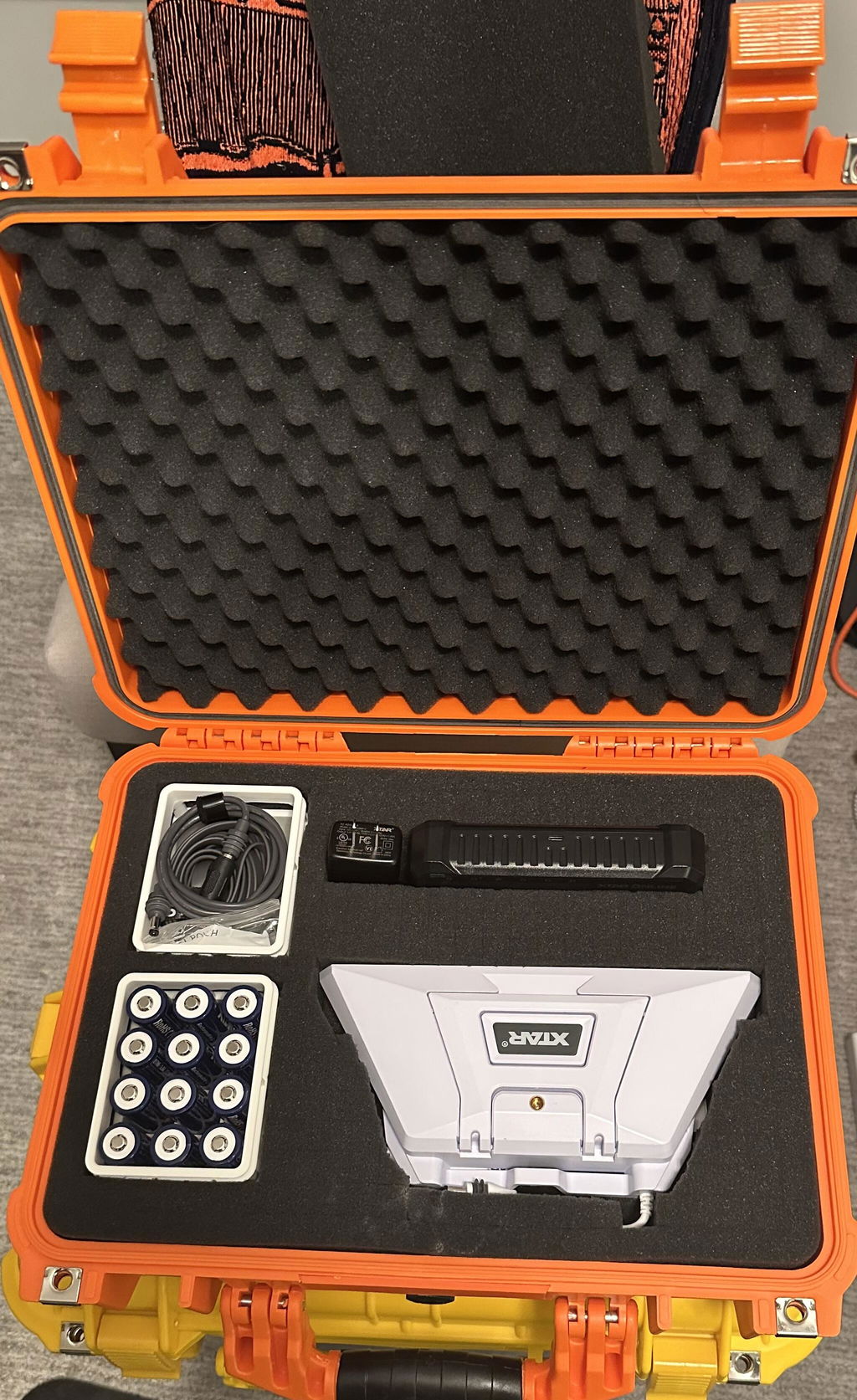
✓ 1 × XTAR-Link EL6 V3 power converter

✓ 1 × O-ring to Anderson power cable

✓ 1 × DC5521 to DC4.0 × 1.35 mm Router Mini power cable

✓ 1 × User manual

Support You Can Count On

Not sure whether the EL6 V3 fits your power setup? Send us a photo of your power source and connections before purchasing. Our team will help you check compatibility.

✓ 12-month warranty

✓ 30-day return policy, subject to return conditions

✓ Product support from XTAR-Link

Contact Us: service@xtar-link.com

Frequently Asked Questions

Can I keep using the original Router Mini?

Yes. The kit includes a DC5521 to DC4.0 × 1.35 mm cable that powers the original Router Mini from the EL6 V3's 12V output.

Can I use a third-party router instead?

Yes, provided the router accepts 12V DC and uses a compatible power connector. The required cable may need to be purchased separately.

Can I power it with a portable power station or 12V socket?

Yes. Use a compatible DC output within the EL6 V3's 12–30V input range. A suitable car adapter cable is required for a cigarette lighter socket and is sold separately.

Can I use Starlink V5 while driving?

No. This setup is intended for stationary use. Set up your Starlink V5 after parking your RV.

Should I use a 12V or 24V power system?

Both are supported within the specified input range. A 24V system draws less current than a 12V system at the same power level, which can help reduce voltage drop over longer cable runs.

Will this work with Starlink Standard 4/4X?

This version is designed for Starlink V5. For Standard 4/4X, please choose the compatible EL6 V3 kit for that dish.

Does it work with Starlink Mini?

No. This model is designed for Starlink V5. For Starlink Mini, explore our compatible MP158 power bank or X6 battery pack.

Build Your Off-Grid Starlink Setup

Reliable DC power for your Starlink V5, wherever your stationary setup takes you.